Software for cleaning businesses that run on regulars
Weekly, fortnightly or every four weeks: CleanItAll keeps your regular cleans booked, the key codes where you'll need them, and the invoices paid. For UK domestic cleaners and small commercial teams.
Free for your first 30 customers. No card, and nothing to download from an app store.
Regular cleans that book themselves
Most cleaning businesses live on regulars: the same homes and offices on the same days, week after week. The work is keeping that diary right while people go on holiday, swap days and add the oven once a quarter.
Put each customer on the cycle you agreed: weekly, fortnightly, or every 4, 6 or 8 weeks. When a clean is done or skipped, the next one is booked on the same cycle, so the diary never runs dry and nobody drops off it by accident.
The week sits on one calendar: every regular clean and every one-off job, with the customer's name on each. Put a day's homes in the order you drive them, or let it suggest one, nearest first.

Keys, codes and the dog
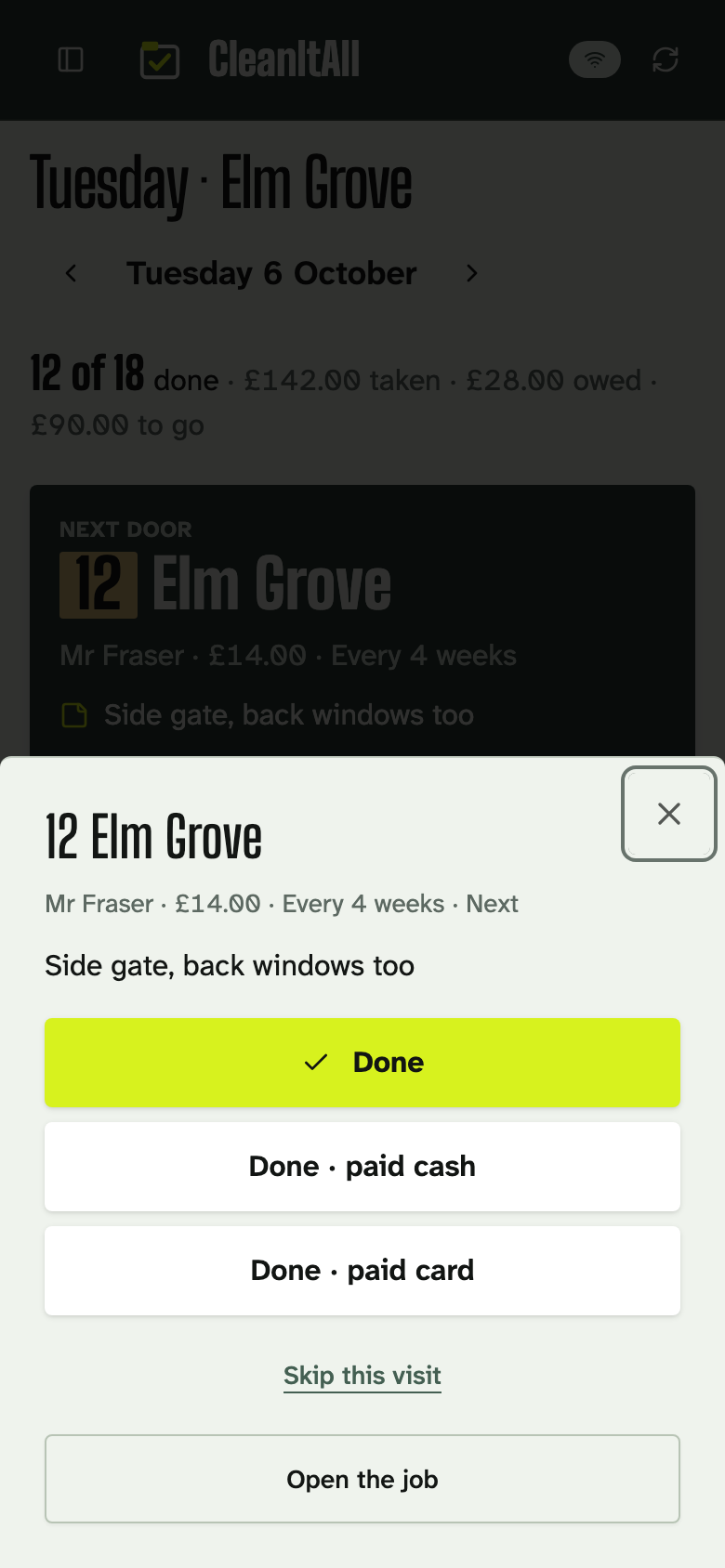
Every home comes with instructions: the key safe code, the alarm, where to park, the cat that mustn't get out. Notes stay with the customer and come up when you reach the house, not when you're scrolling through texts on the doorstep.
Customers can add a note to a clean themselves, too: "back door's open, I'm at work", or "please do the spare room this time".
A good habit: write notes for someone who has never been to the house. If you're ill and someone covers, that's who will be reading them.
When a customer needs to change a clean
Domestic customers move cleans all the time: a day off work, visitors, a holiday. Instead of a text thread, they can do it themselves, from the link in their reminder or from the customer portal.
- Can't make it
- The clean is cancelled. A regular one simply skips to the next on the usual cycle.
- Move it
- They pick another day, up to two weeks on unless you set it differently. The cycle stays where it was.
- Add a note
- It lands on that clean, with their name on it, for whoever does it.
- I'm away
- They give you the dates, and cleans inside them move on by whole cycles.
You choose how much to let through. Changes can apply straight away, or each one waits on a Requests list for you to accept or decline. Set it for everyone, then change it for the one customer who moves every other week.
Too close to the clean, 24 hours by default, and the link won't cancel or move it. It tells the customer to call or text you instead, so a last-minute cancellation is still a conversation.
Reminders and the customer portal come with Solo, £15 a month, and above.
Invoices and getting paid
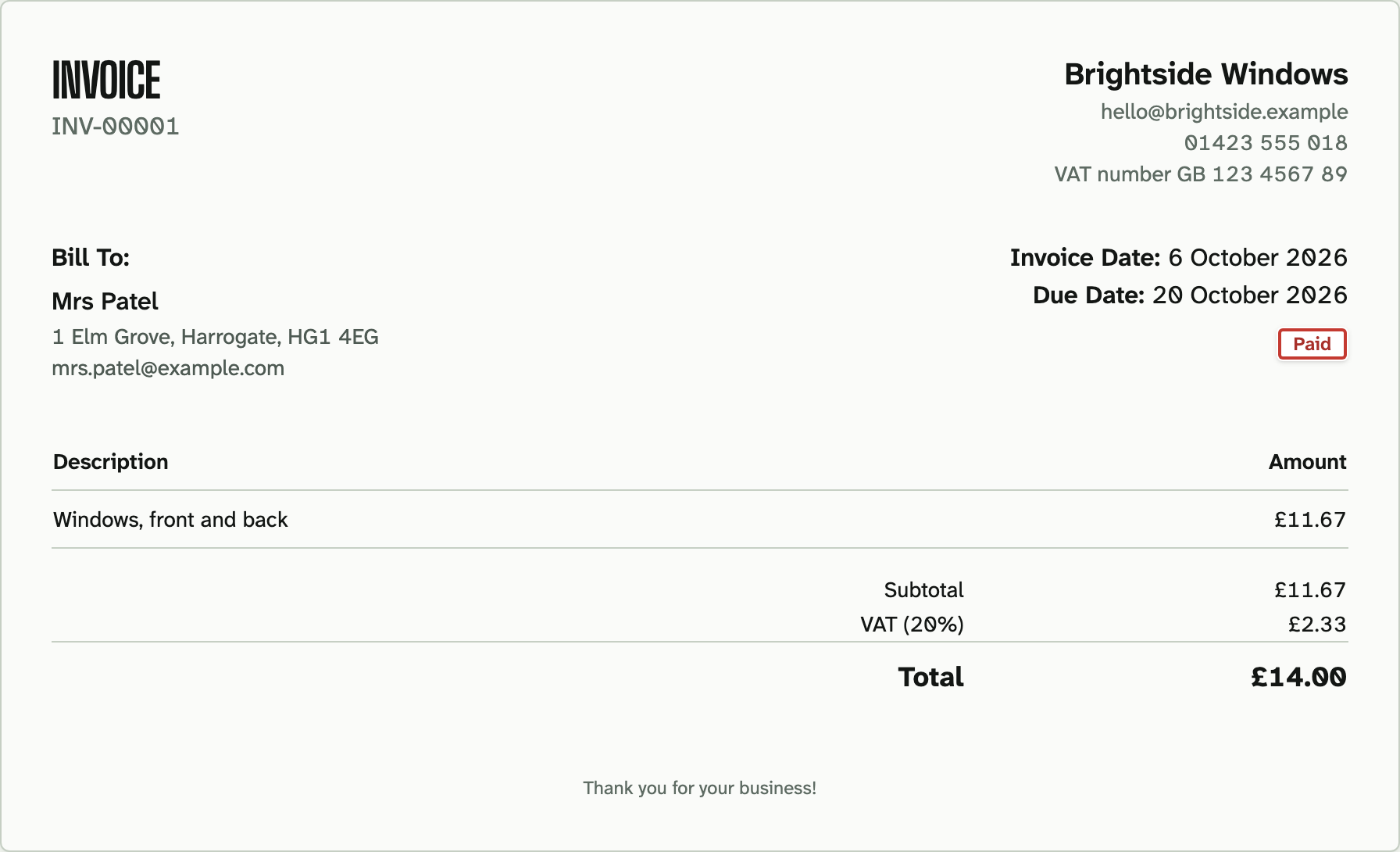
Turn on automatic invoicing and each finished clean raises its own invoice, emailed to the customer if you like. Or raise them yourself, one at a time.
- Transfermatched to the invoice
- Cardby payment link
- Direct Debitvia GoCardless
- Cashleft on the side
Plenty of domestic customers pay by bank transfer. On Team and above, import your bank statement and match each payment to its invoice, part payments included.
Anything unpaid stays on the customer's balance as owed, so you can see at a glance who to chase before the next clean.
When it's more than just you
Give a round of cleans to someone on your team. They see their homes; you see everything.
Team members see and do only what you allow. A new starter can tick off their cleans and read the notes without seeing invoices or payments.
Team is £39 a month for five logins, then £5 for each one after that, and includes team permissions.
Questions cleaners ask
Can new customers book a clean online?
Not from your website. CleanItAll is for the customers you already have: they can move, cancel or add a note to a clean, or tell you they're away, from their reminder or the customer portal.
Do customers need to log in to change a clean?
No. The link in their reminder works on its own, for that clean only. The customer portal, which has a login, shows all their upcoming cleans.
What if someone cancels at the last minute?
Inside 24 hours, or whatever cut-off you set, the link won't cancel or move the clean. It tells the customer to call or text you, so the conversation is yours.
Where do key safe codes go?
In the customer's notes, with the alarm, the parking and the cat that mustn't get out. They come up when you reach the house.
Can my cleaners use it without seeing the money?
Yes. Team members see and do only what you allow, so someone can tick off their cleans without seeing invoices or payments.
How much does it cost?
Free for your first 30 customers, with one login. Solo is £15 a month for unlimited customers, with reminders and the portal. Team is £39 a month for five logins and team permissions. Prices are before VAT.